Hlo friends in my this first blog i am going to give you a way to explore the world of Pokemon.
So here’s the first door of that way………
That is Pokemon Ruby Destiny beta latest version. Download link is given below:-
So before i give you the download link i am going to tell you how to downlaod. So let’s see……….
So, when you will click the download link it will take you to the page like the following….
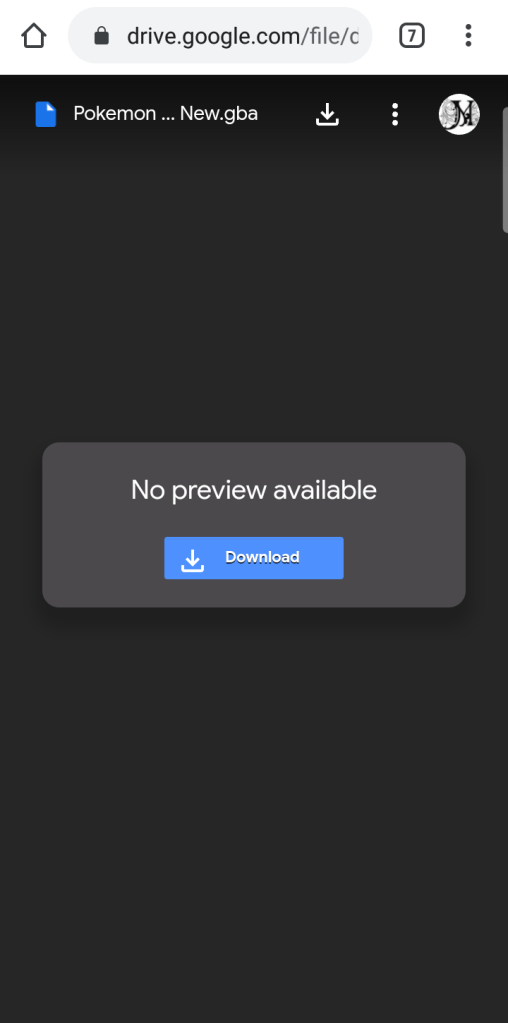
Then you have to click on the highlighted download button. Then after this again a page will come like the following…….
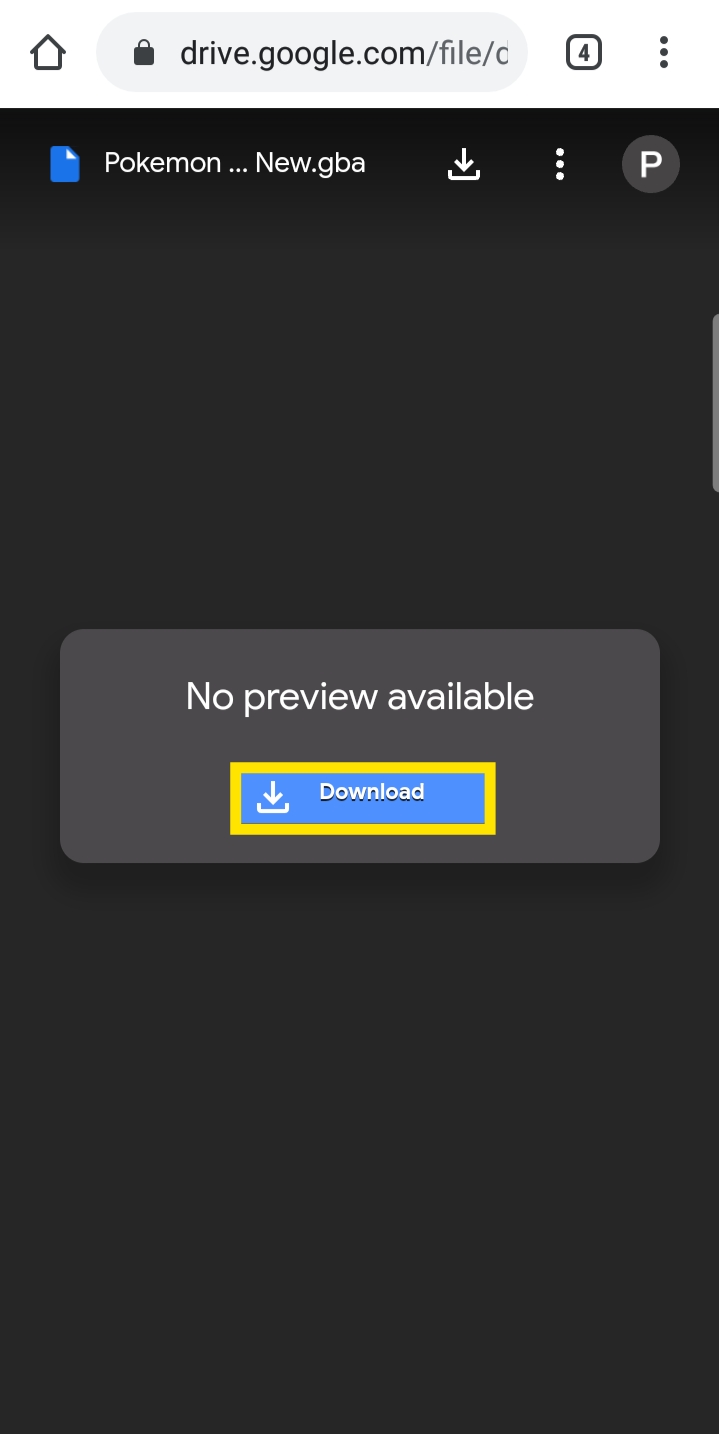
It will ask you for a download option. Just click on the chrome icon and it will start downloading…….
After the download completes, you will not be able to open this downloaded file. So I will tell how to open this file and play this game.
Step 1: Go to file manager.

Step 2: Then go to phone storage.
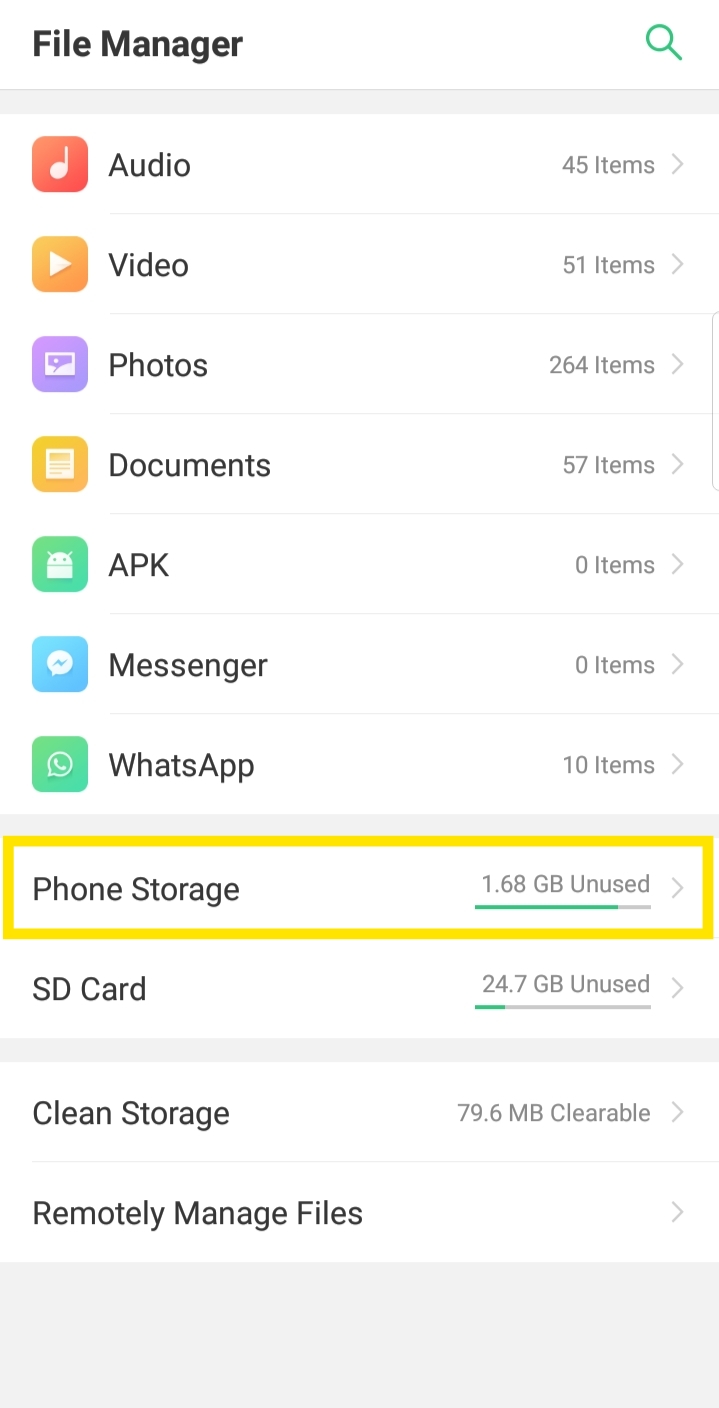
Step 3: After this, go to all files. Note: This is according to my mobile phone, you can follow the procedure according to your phone.
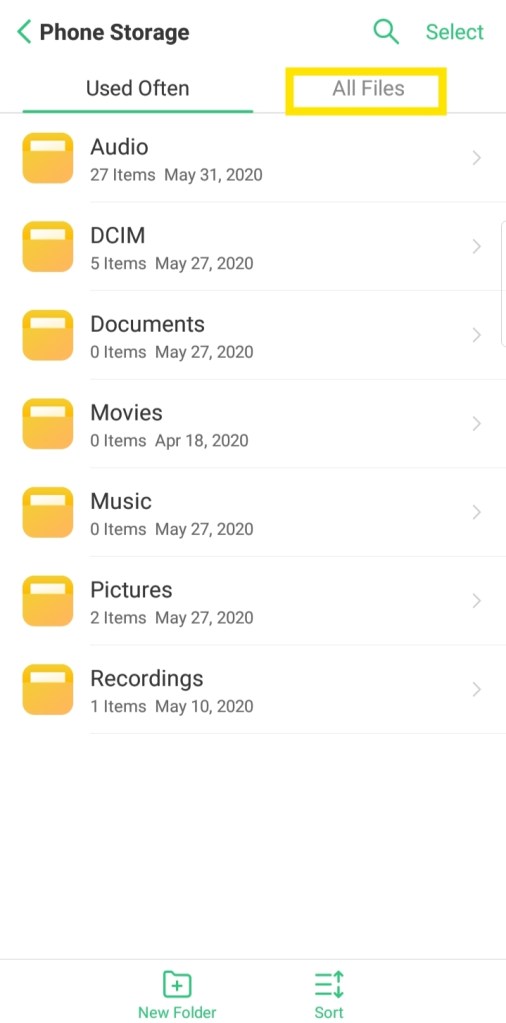
Step 4: Then go to download.
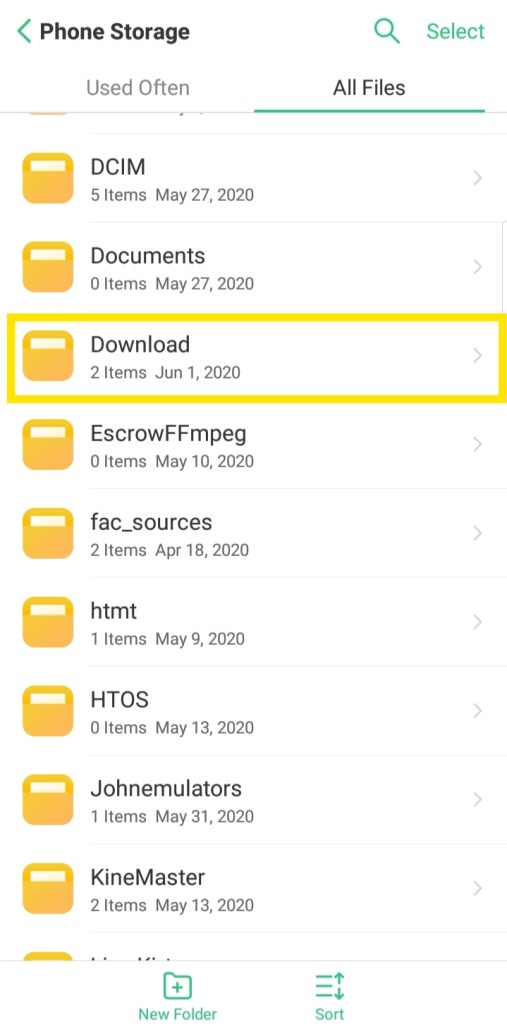
Then you will see your downloaded file.

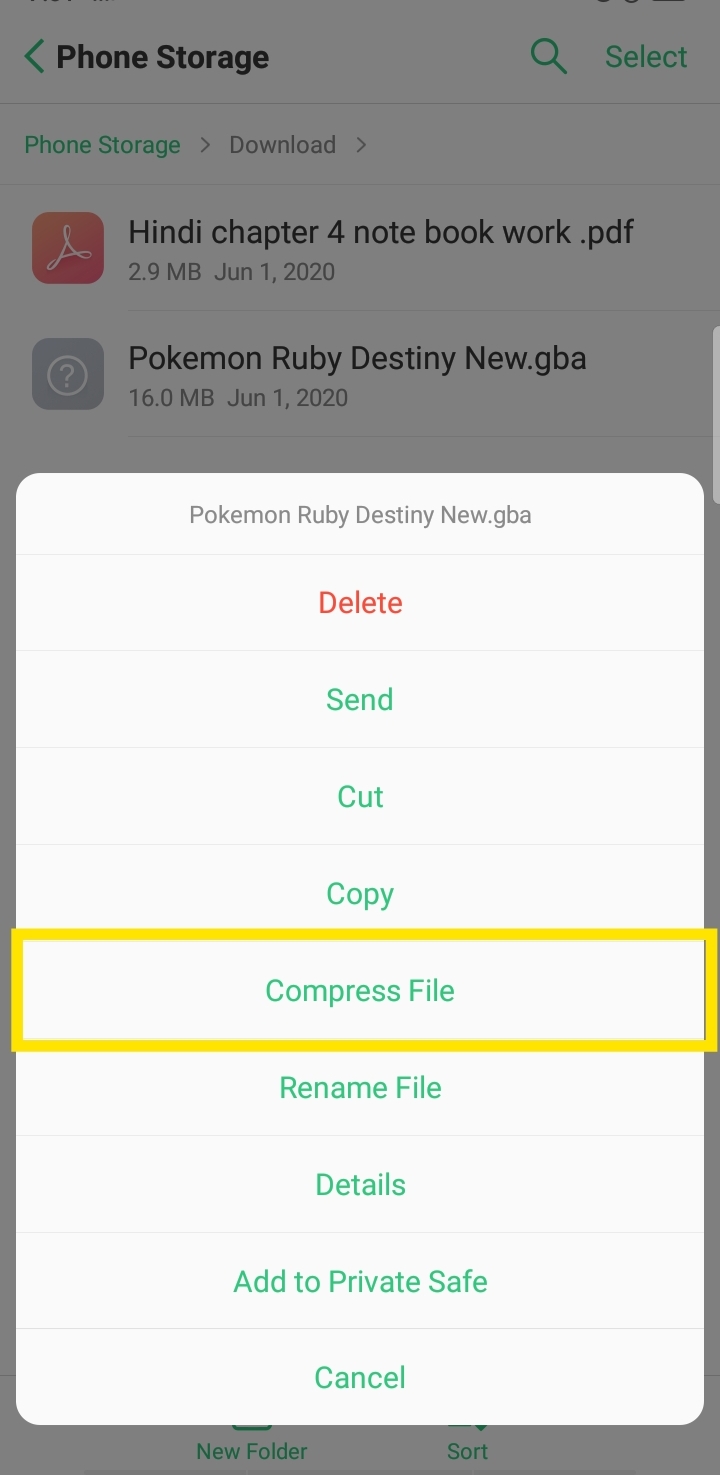
Step 5: Just select it and click compress file.
Then you will see your game file as follows….that is a .zip file.
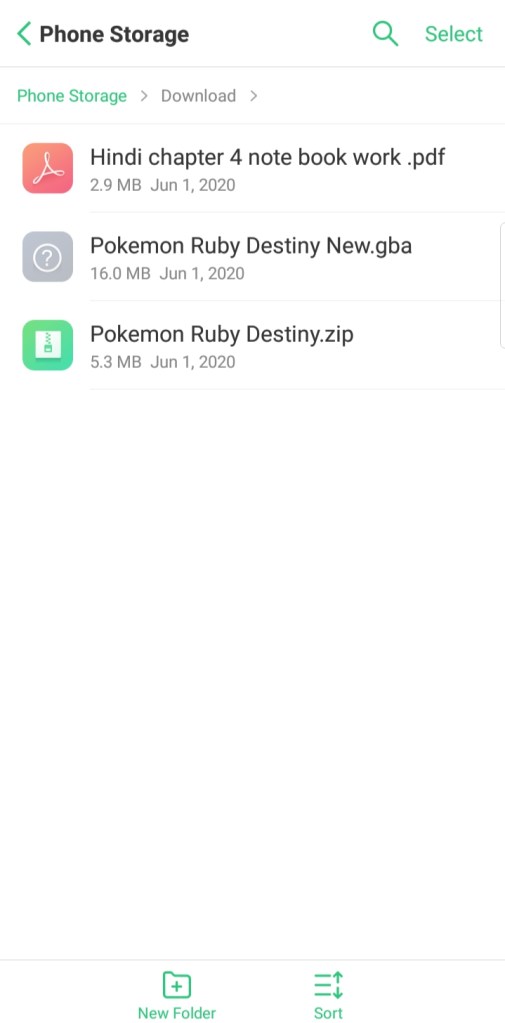
Step 6: Open your emulator and start playing the rom……………
Download link:Pokemon Ruby Destiny beta.
Till the time, Goodbye farewell, we’ll meet again sometime.
 The original official pokemon website